
Identifying colour palettes from photos
This is something I’ve done many times before but this time I’m exploring computer programs that automatically extract colours from photos.
In the past I’ve always painted swatches or wrapped threads to indicate colours.
 Having such a large collection of threads made this a relatively easy task. Painting swatches adds more difficulty because it relies on a certain level of colour mixing knowledge, but I’ve always found it fun to do and I’ll be getting to that in this course soon.
However, at this stage, it’s all about extracting the main colour hues using technology. It seems that the norm is to photograph, manipulate and crop images using a mobile phone (iphone is the go for my course) and utilize particular apps to analyse them. That doesn’t work for me for a number of reasons – primary being that I hate mobile phones. In addition, I have a superb camera that is almost permanently affixed to my hand.
So, having downloaded my photos to the computer, it was time to explore how to extract the information I needed. After several very engrossing hours (and several cups of tea) and trials of many programs my choice was made: Adobe Color was it.
It’s a versatile program, with a lot of flexibility and options. There are a range of preset palettes to choose from; Brights, Mutes, Dark, etc. as well as Custom – and that’s just in one part of the program.
I started by using a preset palette and then customised it by moving the colour icons around the photo.

 In the part of the program I’ve used it’s only possible to extract 5 main colours but it is enough for what I need in this instance.
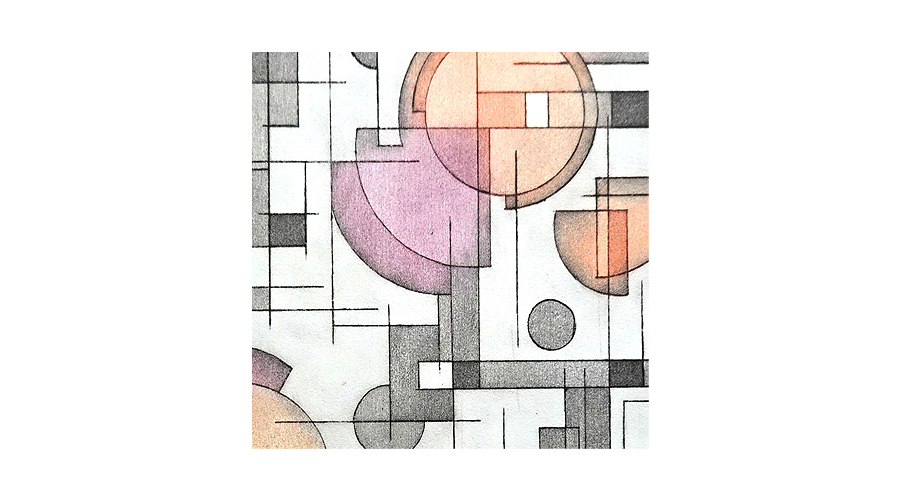
Having been asked to select 9 images and colour analyse them, here’s what I’ve produced.
 Can’t wait for the next step.


Leave a Reply